Word add-in
eulaw in the document you are already editing
A task pane that answers questions about the text you selected from the law that applies to it, drafts wording, and applies edits as tracked changes when you say so.

Asking about your document
Select a passage and ask about it, or ask about the whole document. Answers come from the law that applies, with every point cited to its source.
- Your selection is quoted into the question, so the answer is about your exact words.
- Ask for a summary and the add-in reads the document's main body.
- Each citation opens the source behind it, so you can read the provision yourself.
- An answer never changes the document by itself. Insert at cursor puts it in as headings, lists and a numbered source list.
Drafting and changing wording
Ask for a draft, or for exact wording to change, such as filling in the party names.
- The edit arrives in your document as tracked changes, so you accept or reject it in Word as usual.
- If the document changed while it was answering, nothing is applied and the pane says so.
Get started
The add-in is in Microsoft Marketplace and uses the same account as the website.
The add-in's interface is in English. Ask in any language and the answer comes back in that language.
Questions? Contact us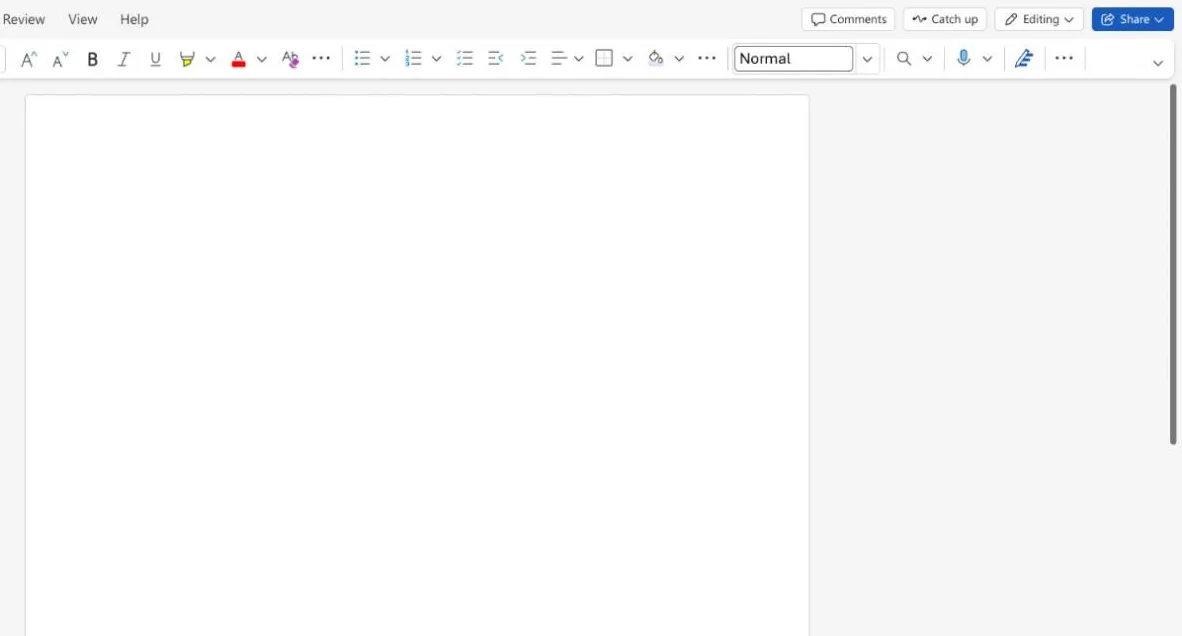
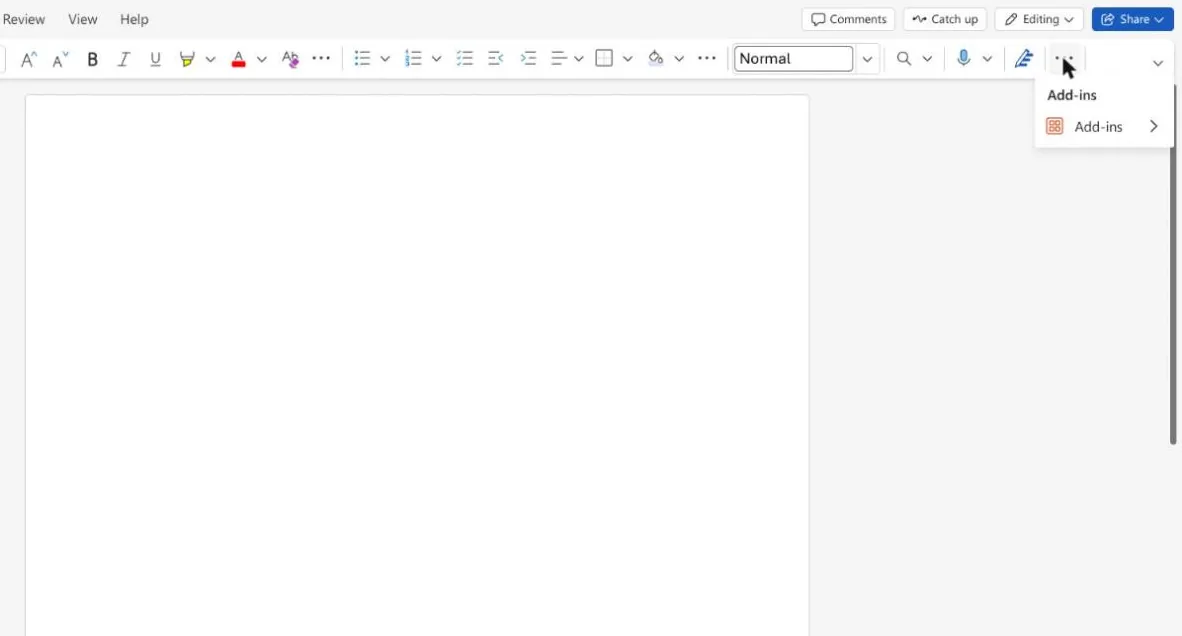
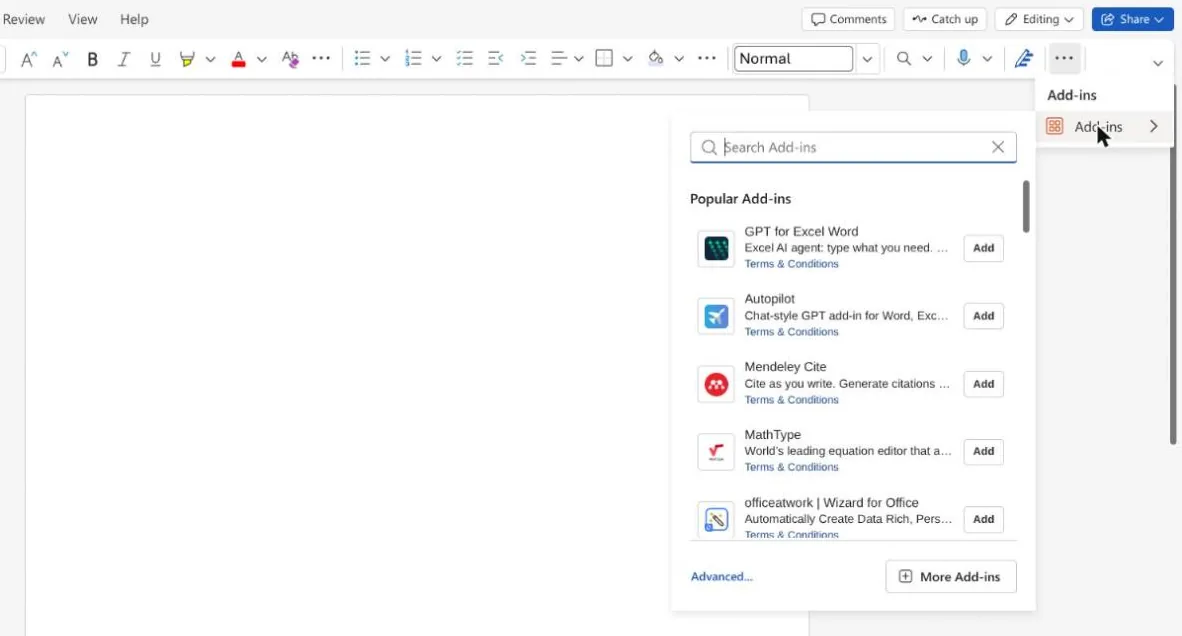
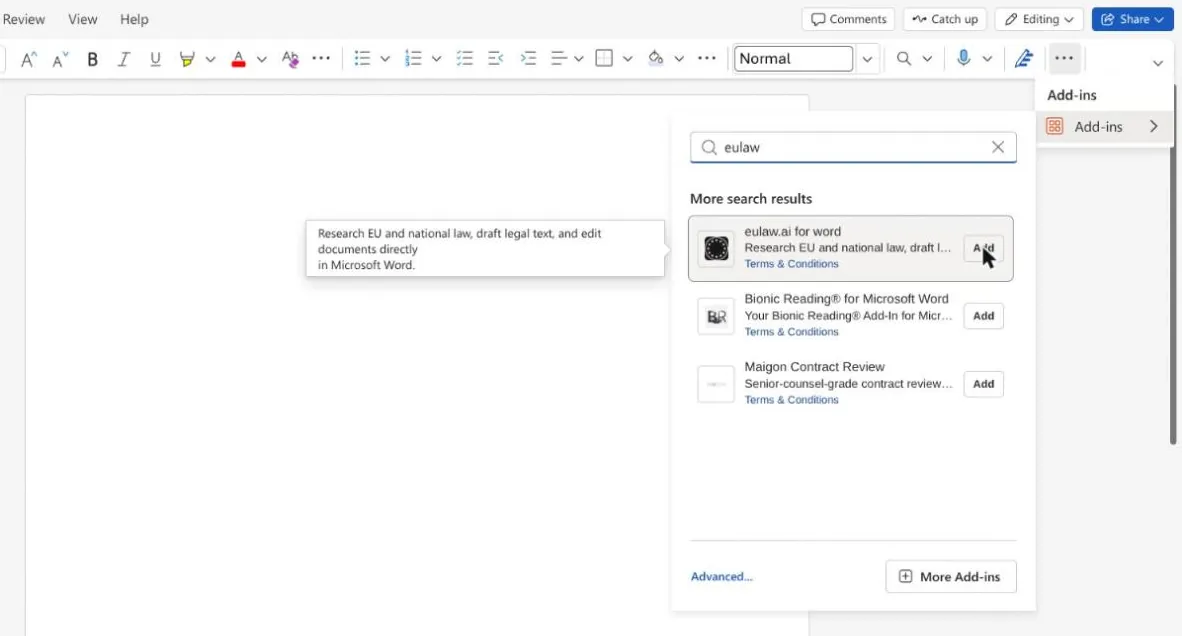
- 1In Word, click Add-ins on the Home tab. On a smaller window it is under …
- 2Choose Add-ins in the menu.
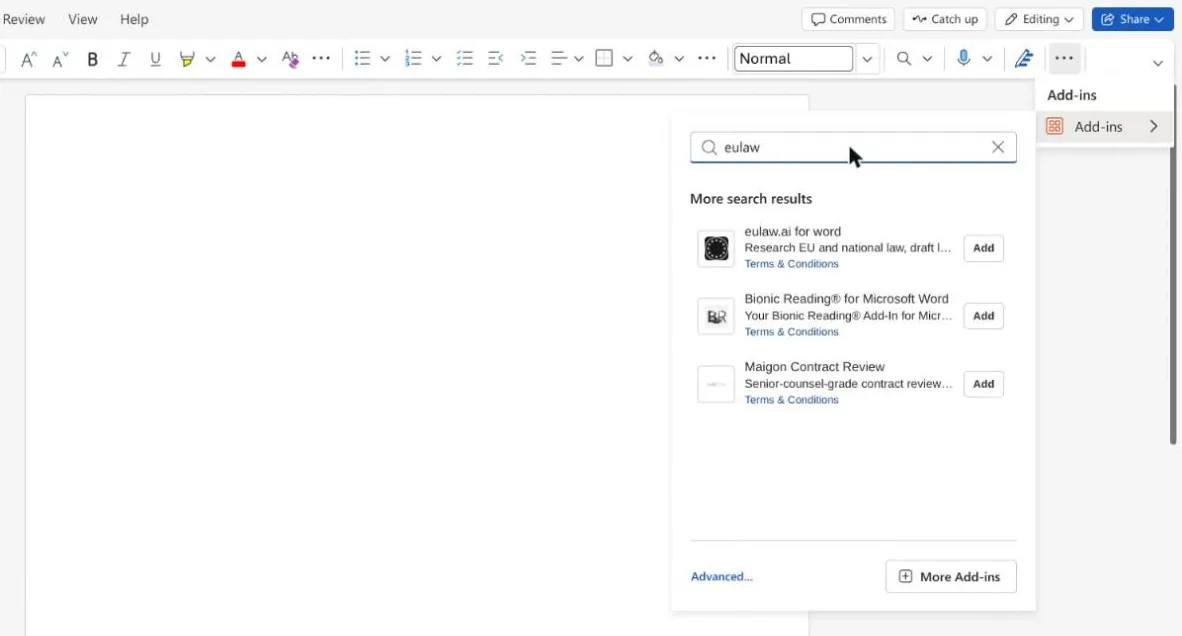
- 3Search for “eulaw”.
- 4eulaw.ai for word is the first result.
- 5Click Add, then sign in with your eulaw.ai account.
Signing in
The first time the pane needs your account it opens a sign-in window inside Word. Use the same credentials as the website, including Google or LinkedIn if that is how you signed up.
The session is held in the pane's memory for as long as it is open. Nothing is written to the document, and closing the pane ends it.
What you need
- Microsoft Word on Windows, on macOS, or on the web.
- Tracked changes need a recent Word (WordApi 1.4). On an older version the edit is made without tracking, and the pane says so.
- A eulaw.ai account. The free trial is enough to try it.
Word is one of three places eulaw.ai runs. The others are the web app and your AI assistant, and all three read the same sources and the same library.